

- Linear: smooth, quiet; tactile: a bump; clicky: a bump plus a click.
- Optical and hall-effect switches actuate without metal contacts.
- Hot-swap boards let users change switches without soldering.
The switch under each key decides how a keyboard feels and sounds. Mechanical switches dominate enthusiast and gaming keyboards; contactless optical and magnetic designs are growing fast.
The main families
| Type | Feel | Sound | Good for |
|---|---|---|---|
| Linear | Smooth, no bump | Quiet–medium | Gaming, fast typing |
| Tactile | Bump at actuation | Medium | Typing, office |
| Clicky | Bump + click | Loud | Home typing (not shared offices) |
| Optical | Like mechanical | Varies | Gaming, durability |
| Hall-effect (magnetic) | Usually linear | Quiet–medium | Competitive gaming, adjustable actuation |
Numbers that matter
- Actuation force — commonly 35–65 gf; lighter is faster, heavier reduces typos.
- Pre-travel / total travel — around 2 mm / 4 mm on standard switches, shorter on low-profile.
- Pins — 3-pin fits most plates; 5-pin adds stability on PCB-mount boards.
Hall-effect and optical
Magnetic switches use a Hall-effect sensor to measure key position, so actuation depth can be set in software. Optical switches interrupt a light beam. Neither wears metal contacts.
Where to buy
Complete keyboards: mechanical, hall-effect, optical. Loose switches: mechanical switches, plus switch testers to compare them.
Examples from our mechanical keyboard switches range — see all 219 →

XVX Medium Purple Switch Set Custom Mechanical Keyboard DIY Smooth Linear Switch for PC
Others · Yes
US$0.11 – 0.16MOQ 500 pieces

Wholesale Soft Touch Switch Wholesale Soft Touch Switch Rubber Button Polycarbonate Overlay Custom Silicone Membrane Push Button Controller Keyboards Small
Multi Control Switch, Flexible · Pet/PC/Acrylic/PMMA, Pet/PC/FPC/PCB/P…
US$0.12 – 0.14MOQ 1,000 pieces

Wholesale KTT Mechanical Keyboard Switch Red Tea Blue Customized Hot Swap Switch
Yes
US$0.036 – 0.072MOQ 1,000 pieces

Wholesale Cross-Border KTT Blue Red Brown Mechanical Keyboard Switches Hot-Swappable Custom 3-Pin Cross Stem Switches
Yes
US$0.072 – 0.084MOQ 1,000 pieces

Wholesale China Kaih BOX Linear Keyboard Switches Jade Navy Blue Keyboard Switches Crystal Jade Navy Mechanical Keyboard Switch
Kailh · Yes
US$0.29 – 0.30MOQ 2,000 pieces

Well Type Mechanical Button Mouth Type Mechanical Keyboard Switch
Customized · Microwave Oven
US$0.30 – 0.60MOQ 1,000 pieces
Frequently asked questions
Which switch is quietest?
Silent linear switches with dampened stems, followed by membrane and scissor keyboards.
What is rapid trigger?
A hall-effect feature that resets a key as soon as it starts moving up, so it can be pressed again faster.
Find these products in our catalog
Mechanical Keyboard Switches · Magnetic & Hall-Effect Switches · Optical Switches
hall effectmechanical keyboardswitches
Related articles

Wired vs 2.4 GHz vs Bluetooth: Choosing a Keyboard Connection
Latency, compatibility, battery life and multi-device switching — how the three connection types compare and when tri-mode is…

PBT vs ABS Keycaps: Durability, Feel, Shine and Legends
Why PBT resists shine, why ABS looks brighter, and what double-shot and dye-sub legends mean for keycap orders.
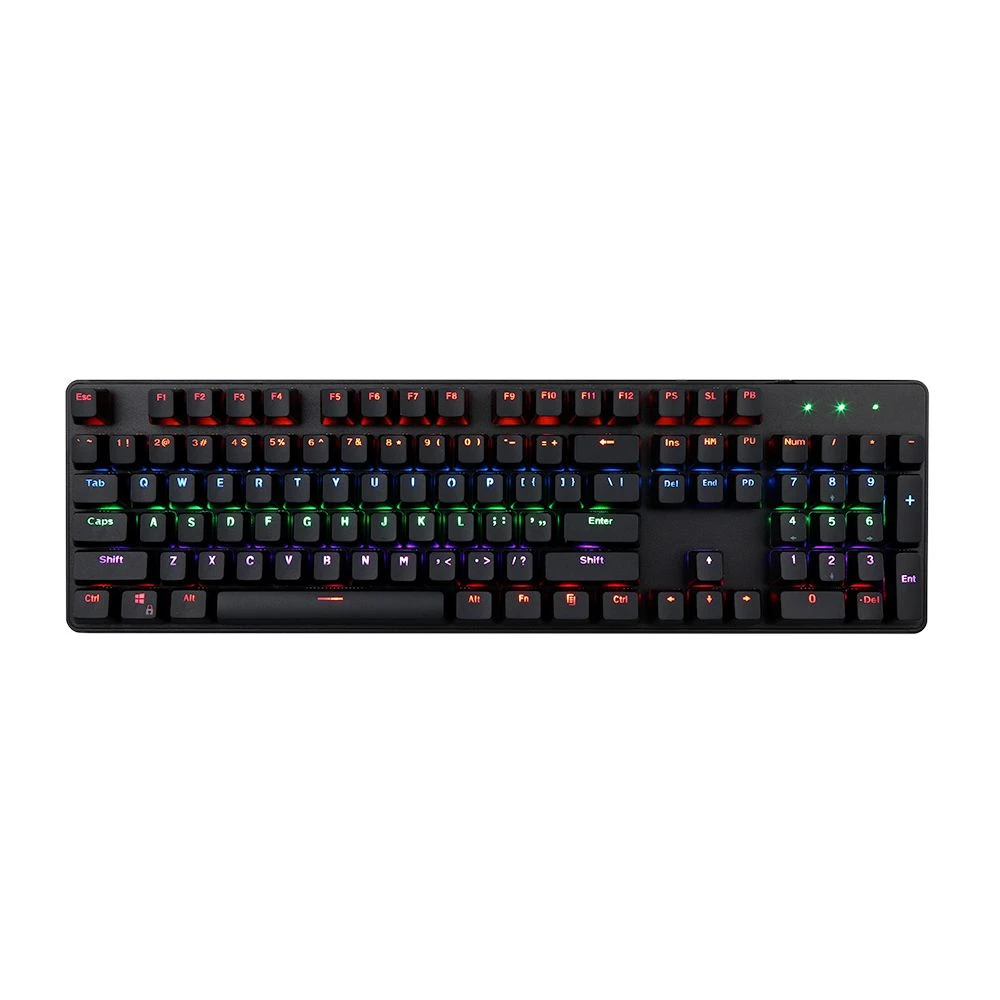
Keyboard Layouts: ANSI vs ISO vs JIS, and Full-Size vs TKL vs 75 %
Physical layouts, language layouts and form factors explained — what to specify so keyboards fit your market and…