

- Wired: no batteries, works everywhere with USB.
- 2.4 GHz: low latency via a USB receiver.
- Bluetooth: no receiver, pairs with tablets and phones; tri-mode does all three.
| Wired USB | 2.4 GHz | Bluetooth | |
|---|---|---|---|
| Latency | Lowest | Low | Higher |
| Needs | USB port | USB receiver | Bluetooth host |
| Tablets / phones | With adapter | Rarely | Yes |
| Multi-device | No | No | Usually 3 channels |
| Power | From USB | Battery | Battery |
Tri-mode keyboards
Many wireless keyboards combine USB-C cable, 2.4 GHz and Bluetooth — one SKU for desktops, laptops and tablets.
Spare parts
Lost receivers and worn batteries are common support tickets; see receivers & batteries and keyboard cables.
Sharing one keyboard
Bluetooth channels or a KVM switch let one keyboard control several computers.
Examples from our wireless, bluetooth & multi-mode keyboards range — see all 336 →

Wireless Solar Keyboard: Eco-Friendly Design for Modern Users
Cold Rolled Steel · Customized
US$1,200MOQ 1 piece
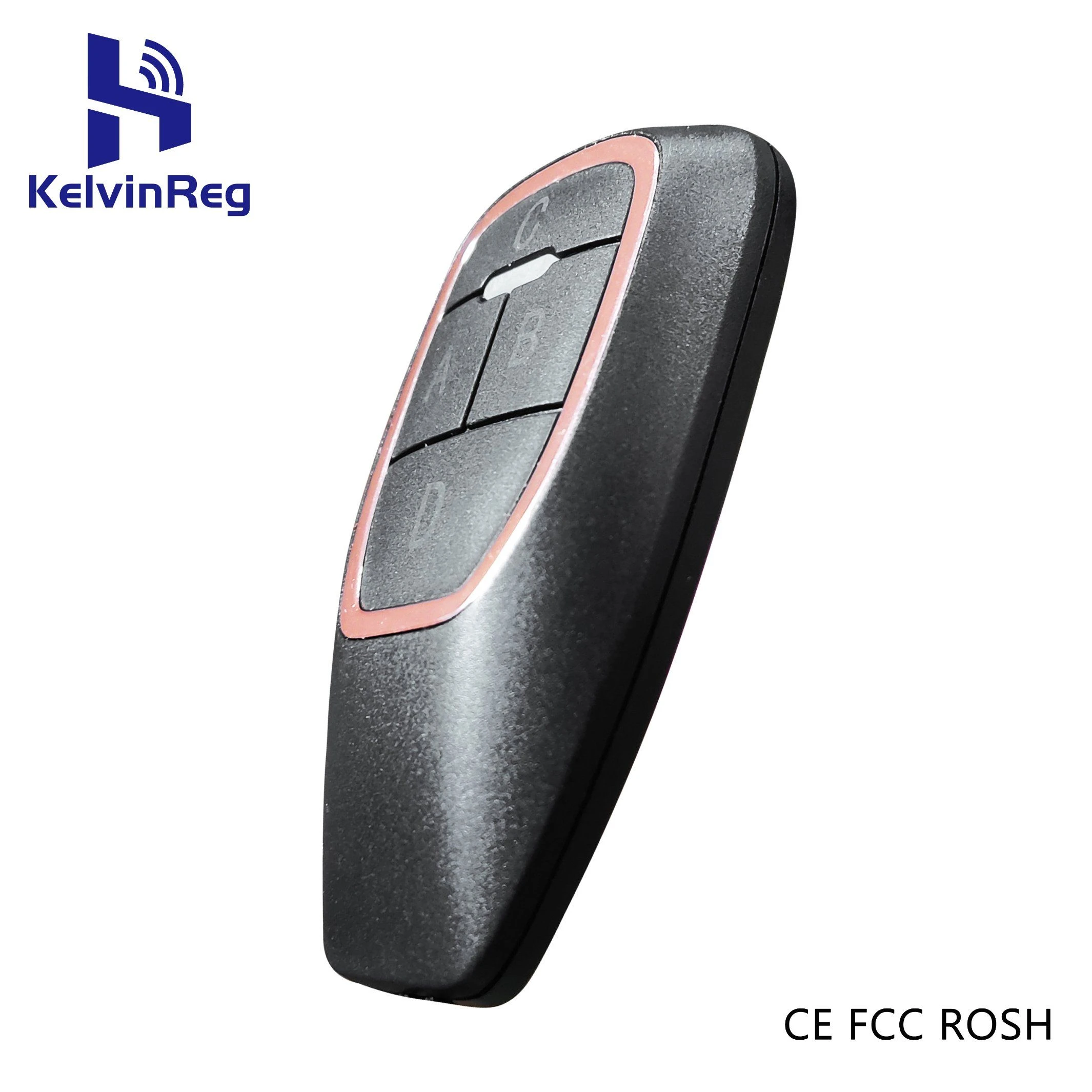
Wireless RF Remote Control with Learning Code Mini Keyboard for Gate Door
Wireless · ABS
US$2.40 – 3.36MOQ 20 pieces
Wireless Professional Gamer Keyboard with Ultra-Fast Response Time
All · ABS Plastic
US$24.74 – 26.94MOQ 10 pieces

Wireless Office Keyboard with Concave/Convex Keys, 3-Device Bluetooth, 5-Layer Noise Reduction
Us/UK · Chrome/Windows/Andriod/Ios/Mac
US$19.20 – 19.80MOQ 1,000 pieces

Wireless Laser Projection Bluetooth Virtual Infrared Keyboard for Phone
Keyboard · Plastic
US$47.40 – 47.76MOQ 100 pieces
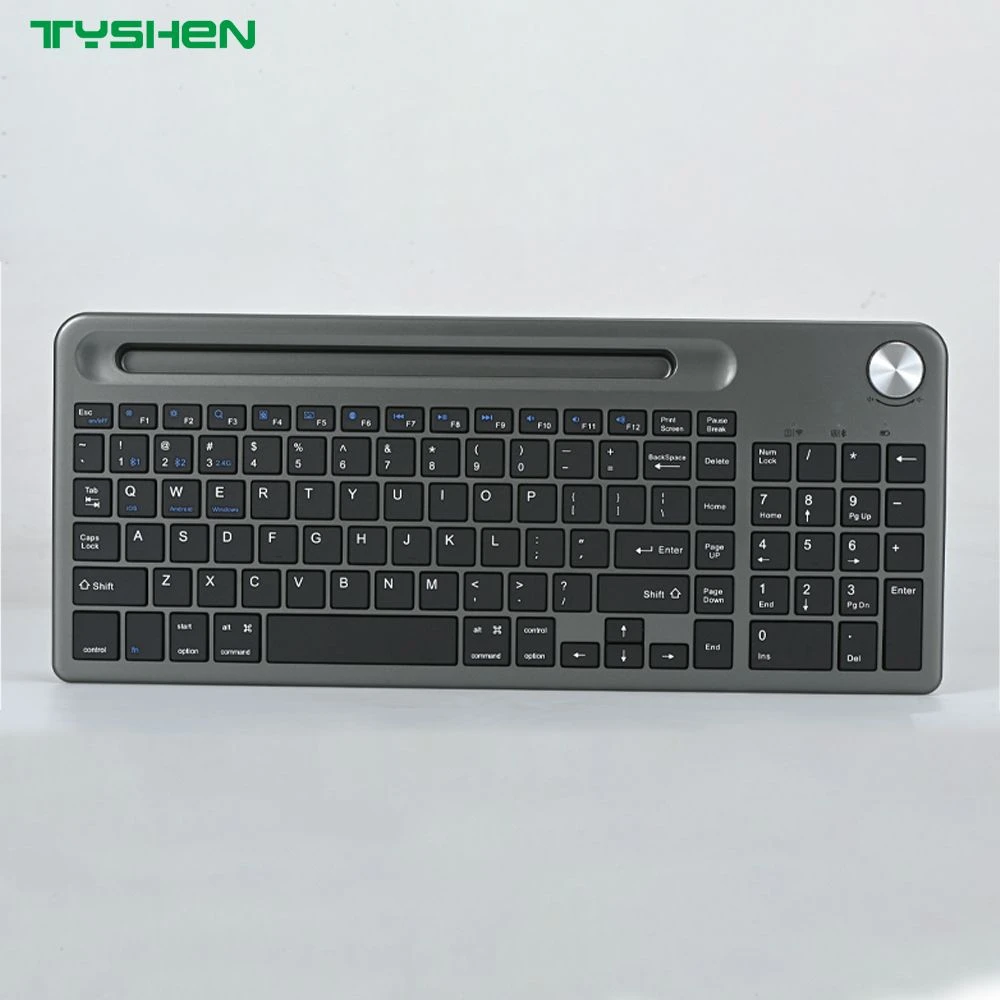
Wireless Keyboard with Multi-Device Control and Control Knob
USB · Windows
US$1.20MOQ 1,000 pieces
Frequently asked questions
Is Bluetooth good enough for gaming?
For casual play yes; competitive gamers usually prefer wired or 2.4 GHz for lower latency.
How long do wireless keyboard batteries last?
From weeks (backlit, rechargeable) to a year or more (non-backlit, AA/AAA); check each listing.
Find these products in our catalog
Wireless, Bluetooth & Multi-Mode Keyboards · Receivers, Batteries & Adapters · Keyboard Cables & Detachable Cable Kits
Related articles

PBT vs ABS Keycaps: Durability, Feel, Shine and Legends
Why PBT resists shine, why ABS looks brighter, and what double-shot and dye-sub legends mean for keycap orders.
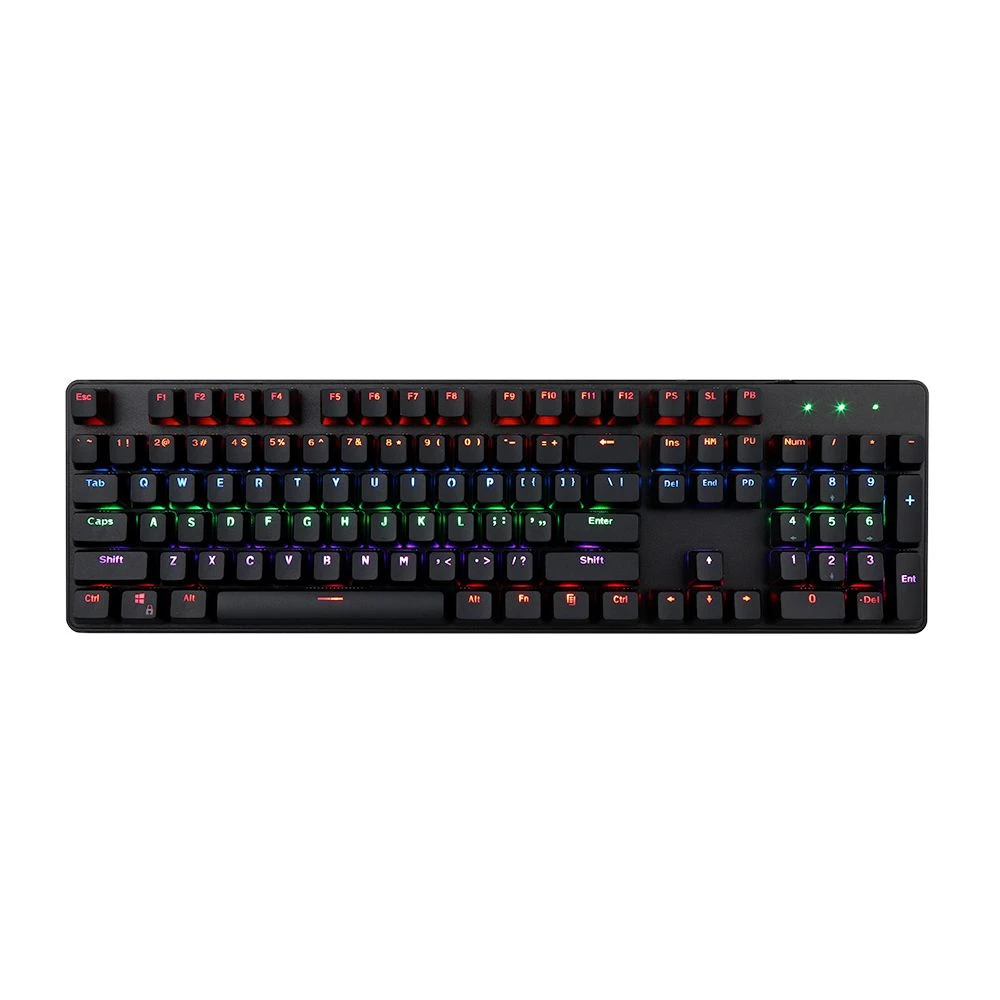
Keyboard Layouts: ANSI vs ISO vs JIS, and Full-Size vs TKL vs 75 %
Physical layouts, language layouts and form factors explained — what to specify so keyboards fit your market and…

Keyboard Switch Types Explained: Linear, Tactile, Clicky, Optical and Hall-Effect
How each switch family feels, sounds and works — with actuation force, travel and typical uses compared in…